






New Battlefield releases always generate hype, but anticipation for Battlefield 6 is reaching unprecedented levels. With that in mind, here is everything you need to know about wishlisting the game.
To better understand the excitement of fans for Battlefield 6, thousands of fans waited in the YouTube lobby two days before the reveal trailer even aired. Then, within hours of the reveal trailer airing, it already has garnered over 3.6 million views on YouTube and 1.6 million on X.
That’s not all; an influx of Battlefield Labs sign-ups in June forced Battlefield Studios to overhaul its sign-up process. Some fans were waiting in a queue with 250,000 other players attempting to register. EA is fully aware of the hype, as costs to develop BF6 have reportedly totaled around $400 million. Additionally, EA reportedly aims for BF6 to reach 100 million players. That’s a lofty goal, but it all starts with wishlisting the game.
How to Wishlist Battlefield 6
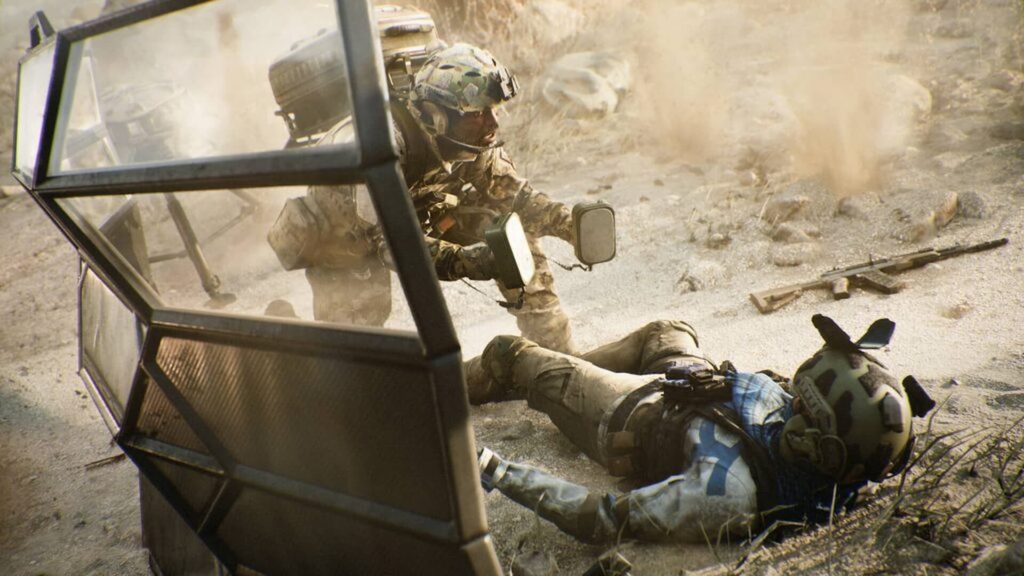
By wishlisting Battlefield 6, you get notified when pre-orders go live.
Here are the links to add the game to your wishlist, depending on your preferred platform.
In addition, fans can sign up for the Newsletter to get information on all of the latest Battlefield news, updates, and upcoming events.
How to Check Wishlist on PlayStation and Xbox
Wishlisting Battlefield 6 is harmless because you don’t have to pay to add a game to your wishlist. However, if you want to wait before making a decision, the BF6 multiplayer reveal is on July 31. Rumors suggest that content creators have been invited to the event, and they will be able to show un-edited gameplay.
But if you already know you want to wishlist BF6, here are the required steps.
PlayStation 5
- Go to the PlayStation Store from the PS5 home screen.
- Select the heart icon, which can be found in the top right of the screen.
- From there, you can choose which games to add or remove from the list.
Xbox Series X|S
- Press the Xbox button on your controller to open the guide.
- Navigate to the Store tab within the guide.
- Look for the Lists section on the left-hand side of the screen.
- From there, you can edit which games are wishlisted.
Do you plan on wishlisting Battlefield 6? Let us know on the Insider Gaming Forums.
For more on Battlefield 6, check out whether the game will feature a battle royale or Campaign.



