


Pro Clubs is one of the greatest-ever modes added to EA FC/FIFA: The option to create your own football/soccer club with a group of mates and tear it up in hilarious ways. If you’ve loaded up EA FC 27, you might notice the Clubs option is no longer available.
You free tonight? Fancy a few games of Clubs? I imagine these words have been spoken and texted more than we care to count as race. EA FC 27 continues the franchise’s long history, and does so with a plethora of content and modes, including the new ‘The Grounds’ game mode. This ties directly into the reason you’re here today.
Also, be sure to read our full EA SPORTS FC 27 Review.
Can You Still Play Pro Clubs in EA FC 27?
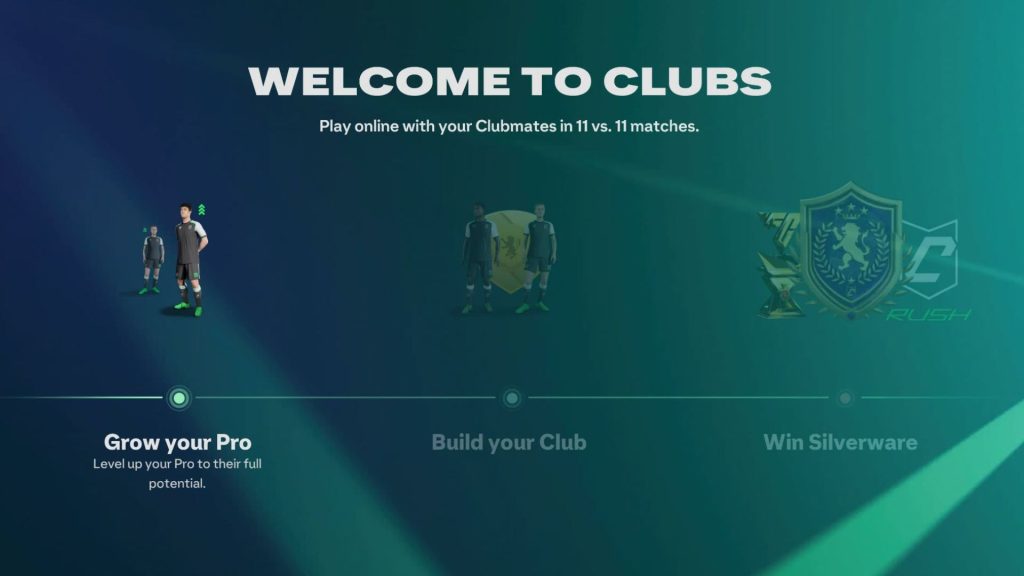
Pro Clubs is still very much one of EA FC 27’s main multiplayer game modes; it’s just that its home has been moved in the newest game.
EA FC 27’s main menu is the usual long list of options, but unlike FC 26, ‘Clubs’ isn’t one. It would be bizarre if EA decided to remove one of the most consistently popular game modes, but you wouldn’t put it past them.
- More Insider Gaming: EA FC 27 Players Are Begging EA Not To Change Gameplay
Per EA: ‘The Clubs experience now lives inside The Grounds, including the return of Leagues and Playoffs. Walk into your Clubhouse to jump straight into all of the ways to play in Clubs experience.’
Clubs is still around and has been upgraded in some ways with FC 27. Find out how to play and link up with your friends.
How to Play Clubs in EA FC 27
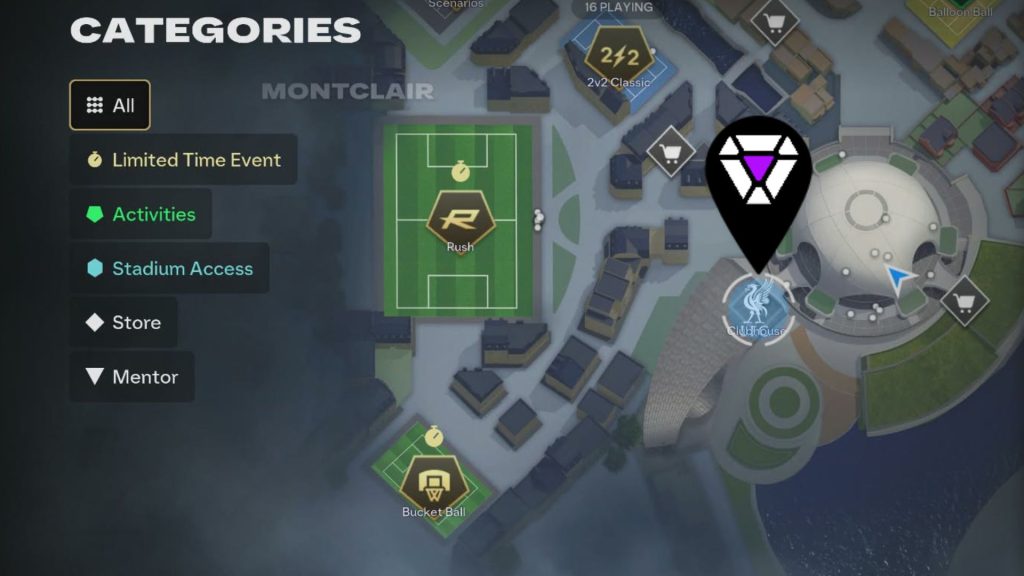
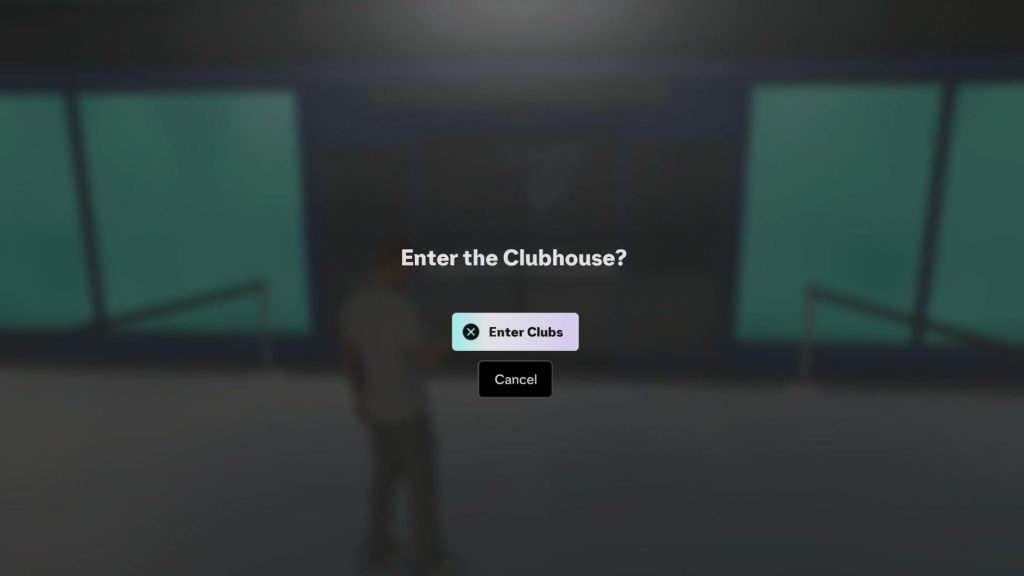
You must enter The Grounds, turn left, and go into your Clubhouse to access the Clubs portion of EA FC 27.
Obviously, EA essentially hid Pro Clubs in EA FC 27’s new The Grounds mode to make sure you enter it and see what the fuss is about. I imagine a few months from now a quick option will be added to the main menu for convenience.
- More Insider Gaming: EA FC 27 Has a Half-Naked ‘Bikini’ Glitch
But if you’re struggling, follow these steps to get into Clubs quickly:
- Go to the EA FC 27 main menu.
- Click on The Grounds.
- Press the Menu button—Option on PS5, for example.
- Scroll left slightly to see Clubhouse marked on your map.
- Now, run over to it with your avatar.
- Enter the building to begin Clubs.
Here, you can do everything you normally associate with Clubs: Change club details, create team lobbies, and generally mess around. If you turn the game off, then just repeat the instructions above, and you’ll be back causing mischief again in no time.
Looking forward to another year of buddying up for Clubs with EA FC 27? Share your thoughts in the official Insider Gaming Discord Server.
For more content on Insider Gaming, check out ‘how to earn every Squad Foundation player,’ and be sure to sign up for our free Weekly Newsletter.

Andy is Insider Gaming's Senior Evergreen Editor and has been in the games journalism sphere in one way or another for over 7 years. His video game taste is as…
More from Andrew Highton