






Once Grand Theft Auto 6 is available for download, millions of fans across the world will be scrambling to install it onto their console of choice. Of course, with a game as large as GTA 6, that process likely won’t be a quick one, though that all depends on how fast your download speed is.
Given the game can be downloaded a week before launch, it’s not the biggest priority, but if you’re scrambling just hours before the game releases, you’ll likely want to know how early you need to get the game onto your console.
With that in mind, here’s how long it will likely take for GTA 6 to download, based on various potential download speeds.
GTA 6 Download Times
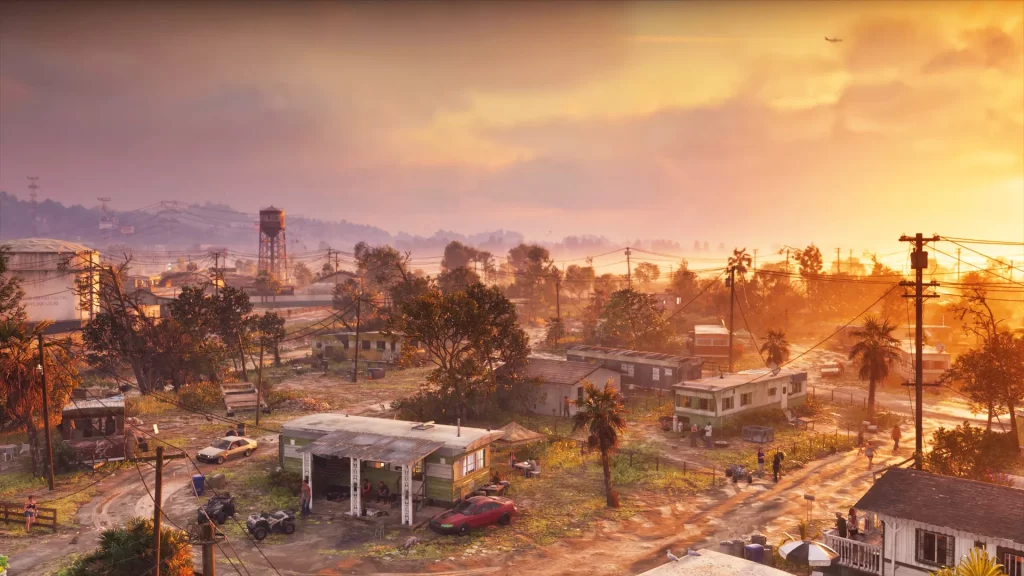
There’s no set amount of time it will take to download Grand Theft Auto 6, as the process largely depends on your internet connection and available download speeds.
Your broadband connection has two primary speeds: download and upload. For installing GTA 6, download speed is the one that matters most, although your actual speeds can vary depending on your internet provider, location, and network conditions.
With GTA 6 reportedly requiring around 210 GB of storage, downloading the game could take a considerable amount of time, particularly if you’re working with a slower connection. If you know your current download speed, the table below provides an estimate of how long you could be waiting for Rockstar’s upcoming open-world game to finish downloading.
| Download Speed | Estimated Download Time |
|---|---|
| 10 Mbps | 46 hours, 40 minutes |
| 25 Mbps | 18 hours, 40 minutes |
| 50 Mbps | 9 hours, 20 minutes |
| 100 Mbps | 4 hours, 40 minutes |
| 200 Mbps | 2 hours, 20 minutes |
| 300 Mbps | 1 hour, 33 minutes |
| 500 Mbps | 56 minutes |
| 1 Gbps | 28 minutes |
The above estimates are based on the 210 GB download and figures shared by GTA_Unlimited, which you can find here.
Keep in mind that these are theoretical estimates rather than guaranteed download times. Actual speeds can fluctuate, and factors such as server traffic, Wi-Fi interference, and other devices using your connection can increase the time required. Your console may also need additional time to install or apply updates after downloading the game.
How To Check Your Download Speeds

You can test your internet connection directly on your console to get a better idea of how long GTA 6 might take to download.
Here’s how to test your download speed on XBOX Series X|S:
- Open the Profile & System menu and select Settings.
- Navigate to General, then Network settings.
- Select Test network speed & statistics.
Here’s how to test your download speed on PS5:
- Open Settings, then select Network.
- Navigate to Connection Status.
- Select Test Internet Connection.
Both consoles will run a connection test and display information about your network, including your download speed.
If your results are lower than expected, there are a few things you can try. Connecting your console directly to your router using an Ethernet cable can provide a more stable connection, while moving closer to your router may improve Wi-Fi performance. You can also pause other downloads and limit bandwidth-heavy activities on your network while GTA 6 installs.
How quickly will you be able to download GTA 6? Let us know your thoughts on the Insider Gaming Discord server.
For more Insider Gaming content, check out ‘All Modern Warfare 4 DMZ Boss Locations & Rewards,’ and don’t forget to sign up for our newsletter.

Charlie is one of Insider Gaming's Guides Writers who's been in the gaming industry for a little over a year. Unfortunately for him, he enjoys every video game genre out…
More from Charlie Champion





Comments