






GTA 6 features an auto-drive option that many may not know about. This guide will explain how to enable this feature.
A lot of the recent, massively open-world games have started introducing the auto-drive feature for players to take the load off when traveling from point A to B. Games like Cyberpunk 2077, Red Dead Redemption 2, and Forza Horizon 6 have had this feature, and now Rockstar Games has also added GTA 6 to the list. Check out how it works below:
You can also buy Grand Theft Auto 6 here if you haven’t alread y!
Steps to Enable Auto-Drive in GTA 6
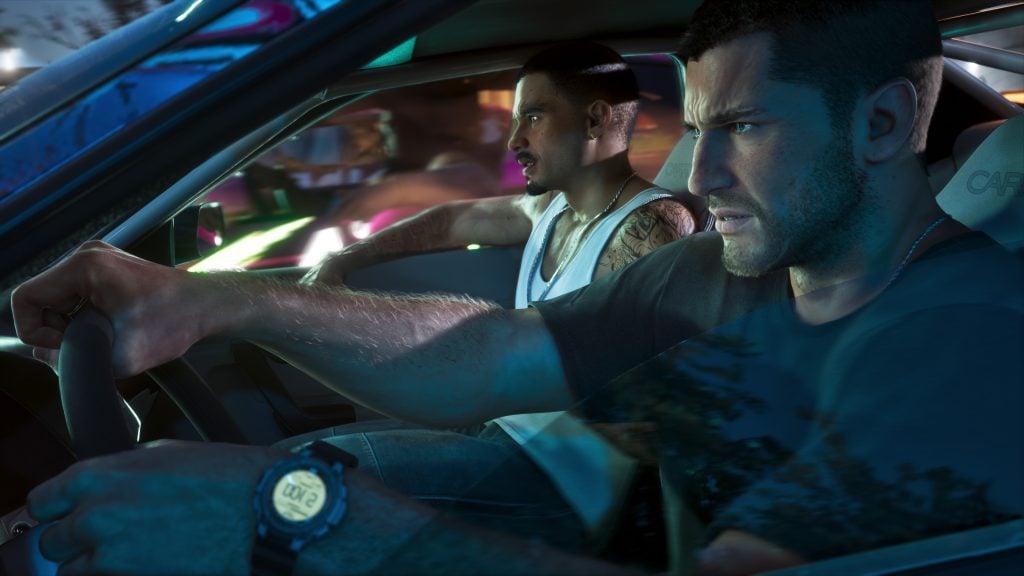
Players need to enter cinematic view to enable auto-drive in GTA 6.
GTA 6 players can use the auto-drive feature right from the beginning; the only thing is that the game doesn’t inform you how to do this. There are also some requirements that players will need to meet to start this feature, and once it is on, get ready to take in all the beautiful sights that Leonida has to offer at your own leisure. Check out the steps below to learn how to use auto-drive in GTA 6.
- Get into a car and set a waypoint to where you have to go.
- Then, while driving, press and hold the down button on the D-pad to change the camera view, and click on the ‘Options’ button to enter cinematic view.
- Players might remember cinematic view from GTA 5, which provides different angles of the player driving the car. In GTA 6, it has been upgraded slightly and is the only way to enable auto-drive.
- Once you are on the right side of the road, you can enable auto-drive by pressing and holding ‘O’ in the default controls scheme.
There are a few other things players should know: there are three speed options to choose from, from slow to fast. You will notice slight speed differences on all three levels, but the player will never break a signal or any traffic rules in this mode, so it might take longer than usual to reach your destination. Check out the walkthrough video below to learn how auto-drive works in GTA 6:
- More Insider Gaming: All GTA 6 Guides, Walkthroughs, Best Tips & Tricks
The feature is especially useful for longer drives, as the scale of the map can take a considerable amount of time to cross counties. Here’s when you can switch on auto-drive, just take in the views and chill out. You can also run to the bathroom or maybe grab a bite or a drink while the character drives you to the destination. It’s also a good feature when two characters are having a conversation in the car, since you are not distracted from weaving through traffic.
What are your thoughts on GTA 6 featuring auto-drive? Leave your thoughts down in the comments, and join the official Insider Gaming Discord server.
For more from Insider Gaming, read about where Photo Studio images get saved in GTA 6. Don’t forget to sign up for our weekly newsletter.
NOTE: Insider Gaming may earn affiliate commission if you purchase items through links on Insider Gaming. Read more about affiliate commission here.



Comments