






Microsoft introduced XBOX Playback for the brand’s 25th anniversary, so find out what it is, how to check it, and take a trip down memory lane.
It was a whirlwind 24 hours for XBOX and Microsoft on the 25th anniversary of the green brand. Since 2001, XBOX has established itself as one of the main players in the gaming scene, and if you’ve been playing at any point in the last quarter of a century, there are some numbers for you to check with XBOX Playback.
How to do Microsoft XBOX Playback
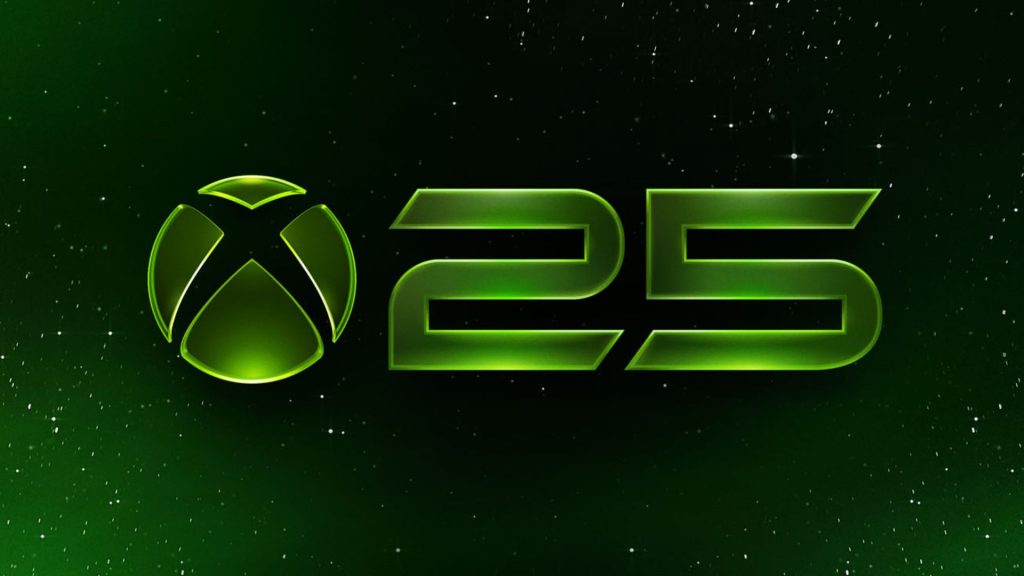
There are two ways to enjoy XBOX Playback: Watch your personalized Playback on your XBOX console via the dashboard, or online by signing into your XBOX account.
XBOX Dashboard
Here’s how to watch your Playback through an XBOX console:
- Go to the main XBOX Dashboard.
- Scroll down.
- Look out for a smaller box icon that says: Your XBOX Playback is ready.
- Click on it.
- The video montage of your stats will begin.
It’s weird that Microsoft didn’t make this a headline option near the top of the dashboard when it launched, considering it was a big new feature, but hey-ho.
Watch via Xbox Account
If you’re online or browsing on your phone, then you can simply sign into your XBOX account and watch your Playback without ever booting up your console.
- More Insider Gaming: XBOX Officially Reveals 25 Classic Games Coming to PC
Find out more:
- Head to the XBOX website.
- Log in to your XBOX account.
- Go to the home screen, which currently advertises Playback.
- Press Explore Your Playback.
- Finally, click the play button and enjoy!
What is Microsoft XBOX Playback?
XBOX Playback looks to be the spiritual successor to Year in Review, giving you a great look at your overall XBOX account, along with more in-depth data and stats.
An XBOX 25 post revealed more:
‘Starting today, XBOX Playback brings highlights from your available XBOX history across every generation in a personalized experience. For the first time, you can look back and re-live the part you played in XBOX’s story. See when your journey began, revisit the games you spent the most time with, and rediscover achievements and moments along the way.
Your Playback includes your first XBOX game, total time played, most-played game, top years, longest streak and more. As no two players are the same, everyone’s Playback will be different. Whether you’re an OG who first played using a Duke controller, or you booted up your first console this year, you’ll have a personalized story waiting for you.
XBOX Playback brings together years of XBOX history in a brand-new way. We hope Playback evokes a few memories, surprises you, or reminds you of a game you haven’t thought about in a while.’
How Long is XBOX Playback Available For?
You have until December 31, 2026, to check your XBOX Playback stats; after this, you’ll have to wait until this time later in 2027 to check the newest version.
There will be no Year In Review, only XBOX Playback. So get on it ASAP!
How cool was it to see your XBOX history? Let us know your thoughts (and your best stats!) via the free Insider Gaming Discord server.
For more Insider Gaming content, read ‘XBOX CEO Asha Sharma’s Full Memo on ’25 YEARS OF XBOX’.’ Don’t forget to sign up for our free weekly newsletter.

Andy is Insider Gaming's Senior Evergreen Editor and has been in the games journalism sphere in one way or another for over 7 years. His video game taste is as…
More from Andrew Highton


Comments