






Grand Theft Auto 6 is here, and it’s time to get stuck in. If you’re visiting Leonida in celebration of the largest video game launch in history, you might be wondering a few things about your experience. Namely, you might be interested in knowing if Grand Theft Auto 6 has a first-person perspective, and you might want to know how to switch to that view in-game.
Needless to say, it’s the level of immersion that some folks crave. When it was added to GTA 5, it gave the game an entirely new feel, going beyond just repositioning the camera. That notion was expanded in Red Dead Redemption 2, but now that we’re here, staring at GTA 6, we’re wondering how to switch to first-person this time.
Can You Go In First-Person in GTA 6?
You cannot switch to first-person in Grand Theft Auto 6. The best you can do is look at your cellphone from a first-person perspective, and even that can be changed in the settings menu.
There are three first-person camera modes to scroll through, and you can manipulate them by holding DOWN on the d-pad and switching between the three. Alternatively, you can change the setting centrally via the in-game settings menu. Just navigate to camera and select your third-person camera height.
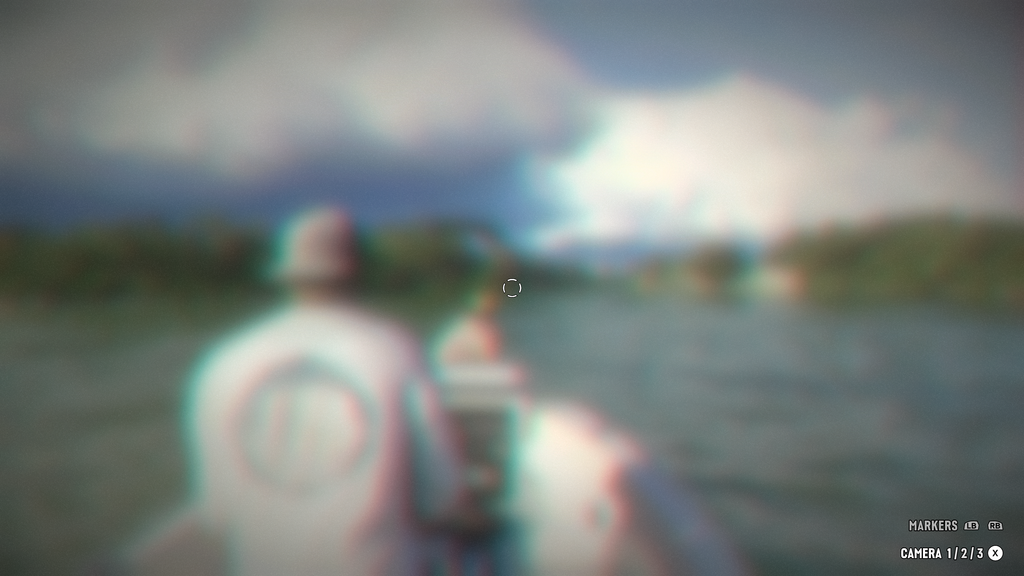
If you were waiting for a first-person mode to land in GTA 6, you’re out of luck, but you never know – Rockstar might add something later down the line! It’s not out of the question.
Also, you can buy Grand Theft Auto 6 here, if you haven’t already!
Let us know on the Insider Gaming Discord server if you’re enjoying GTA 6.
For more Insider Gaming coverage, check out all the issues we’re aware of in GTA 6, and don’t forget to sign up for our free weekly newsletter

Grant has been gaming for 30+ years and in the industry for 10+. You'll probably find him playing a post-apocalyptic game or an extraction shooter somewhere.
More from Grant Taylor-Hill



Comments