


Enjoying the beauty and splendor of Halo: Campaign Evolved, which requires a big decision for a mammoth question: Quality or Performance Mode. Each graphics setting has major benefits, but I feel there’s a clear answer.
If you’ve been able to get past the Halo: Campaign Evolved early access not working issue, if it applied to you, then you are ready to hop into the game properly.
Before you start, you’ll need to pick a graphics setting in Halo, which you may end up sticking with. With many hours under my belt, I can help you make an informed decision.
Also, check out my Halo: Campaign Evolved Review!
Differences Between Quality and Performance Modes in Halo: Campaign Evolved

Quality gives you a superior picture and the best possible visuals, but at the cost of the frame rate (30 FPS, to be exact). Whereas Performance mode does the opposite: Sacrifices some visual fidelity in favor of smoother gameplay at 60 FPS.
Here’s the full description of Campaign Evolved’s graphics settings:
- Quality: Prefer higher fidelity graphics.
- Performance: Prefer higher framerate.
Before anything, turn off Motion Blur, as it’s no good to anyone.
- More Insider Gaming: All Skulls & Terminal Locations in Mission 1 For Halo: Campaign Evolved
It boils down to one question? Do you prefer a slightly better-looking game? Or all of your actions to be pretty much one-to-one accurate?
Which Graphics Setting Should You Pick in Halo: Campaign Evolved?
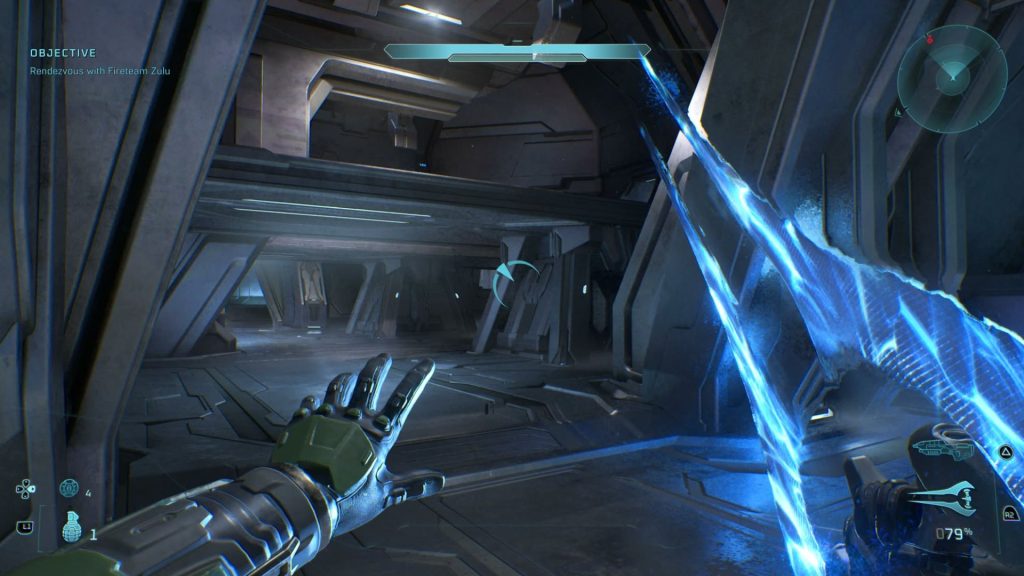
Personally, I think Performance Mode is the way to go for Halo: Campaign Evolved, and should pretty much be the go-to for almost every first-person shooter game.
The Halo remake looks fantastic as it is in Performance Mode—for clarity, I’m playing on a 65″ OLED TV with 4K HDR, and all that good stuff.
Your setup might be very different, which could ultimately affect your choice.
- More Insider Gaming: How to Link Microsoft and XBOX Accounts to PlayStation for Halo: Campaign Evolved on PS5
However, even though this is single-player only, I still think you want your gameplay to track almost exactly. This won’t always happen with a Quality Mode setting, as it looks crisp, but with less control.
I will say I had a few instances of noticeable frame rate drops when the action got intense in Performance, perhaps a little too intense. What I will say is that if this is doing this in Performance Mode, think what it could do in Quality.
This isn’t a sprawling RPG, and Performance Mode is the best way to enjoy Halo: Campaign Evolved.
Let me know which setting you opt for, and you can do so through the official Insider Gaming Discord Server.
For more Insider Gaming content, check out ‘Halo: Campaign Evolved Ending Guide,’ and be sure to sign up for our free Weekly Newsletter.

Andy is Insider Gaming's Senior Evergreen Editor and has been in the games journalism sphere in one way or another for over 7 years. His video game taste is as…
More from Andrew Highton