






Before putting away NBA 2K25 for good, 2K revealed Twitch Drop rewards to send the game off in style.
All eyes are on NBA 2K26. Shai Gilgeous-Alexander, Angel Reese, and Carmelo Anthony are the cover athletes for the upcoming game, and we already know some details about new features. MyCareer introduces the “Out of Bounds” storyline, MyGm adds more customization options, and there are several new Park designs.
However, before looking too far ahead, there are some enticing NBA 2K25 Twitch Drop rewards available to earn.
NBA 2K26 Twitch Drops Explained
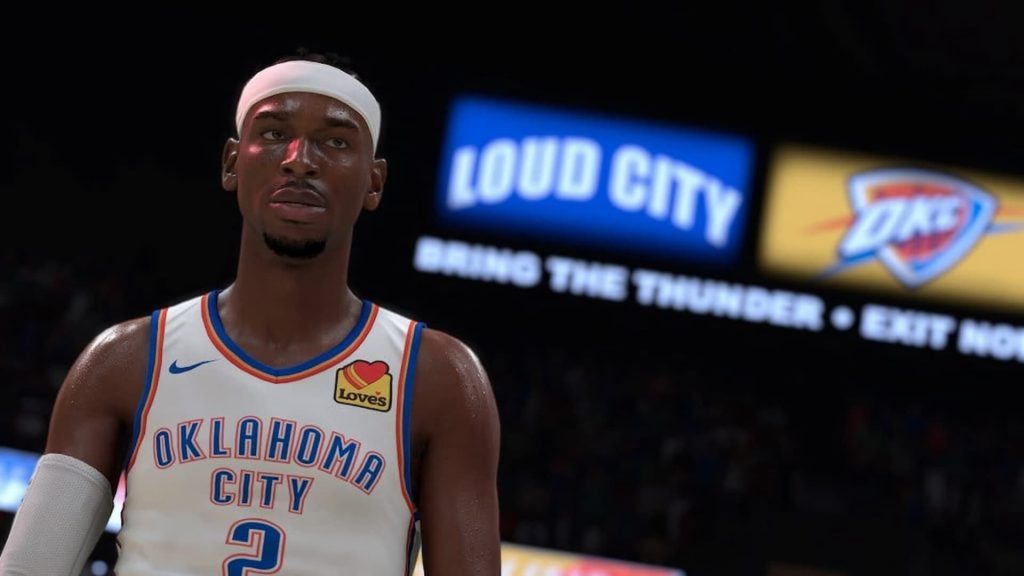
On the official 2K Twitch channel, the development team is hosting courtside report streams that go over new changes to each game mode in NBA 2K26. Fans can claim NBA 2K25 rewards by watching a stream.
Here are the rewards.
- Watch for 45 minutes: MT & MC 60-minute 2 XP coins.
- Watch for 2 hours: MT 100+ overall pack, MC 10 x 6 Skill Boosts, Camo Moto Pants.
Both sets of rewards can only be claimed once per account.
NBA 2K26 Twitch Drop Stream Schedule
2K didn’t specify specific dates, but did provide a general window for when fans can expect streams for new feature announcements.
- MyTeam: (Week of August 11)
- The W: (Week of August 11)
- MyCareer: (Week of August 18)
- MyNBA: (Week of August 18)
- The City: (Week of August 25)
Stream Start Times
Although 2K didn’t reveal specific dates, all courtside report streams have a particular start time. Below are release times and dates for key time zones worldwide, including the United States, Australia, and more.
| Time Zone | Release Times & Dates |
|---|---|
| Pacific Time (PT) | 7:30 AM |
| Central Time (CT) | 9:30 AM |
| Eastern Time (ET) | 10:30 AM |
| British Summer Time (BST) | 3:30 PM |
| Australian Eastern Time (AET) | 12:30 AM |
How to Claim NBA 2K26 Twitch Drops
Here is a step-by-step guide on how to claim Twitch Drops.
- Log in to Twitch.
- Tune into the 2K Twitch channel during a reveal stream.
- Track your progress in your Twitch Inventory.
- Once you complete a watch time requirement, you will receive a claim notification on Twitch.
- Claim the Locker Code.
- Go into the Myteam menu.
- Scroll over to the Community Hub.
- Select Locker Codes.
- Type in the code to complete the process.
All Twitch Drops must be claimed within 24 hours, and it takes up to 48 hours after claiming your Drop through Twitch for your Locker Code to become available.
Do you plan on taking advantage of this promotion? Let us know on the Insider Gaming Forum.
For more in sports gaming news, the Madden 26 soundtrack features Chappell Roan, DMX, Green Day, and more, and NHL 26 overhauls Be a Pro and gameplay.



